Fivem
Instant activation
Scripts
Instant activation
ChatV2
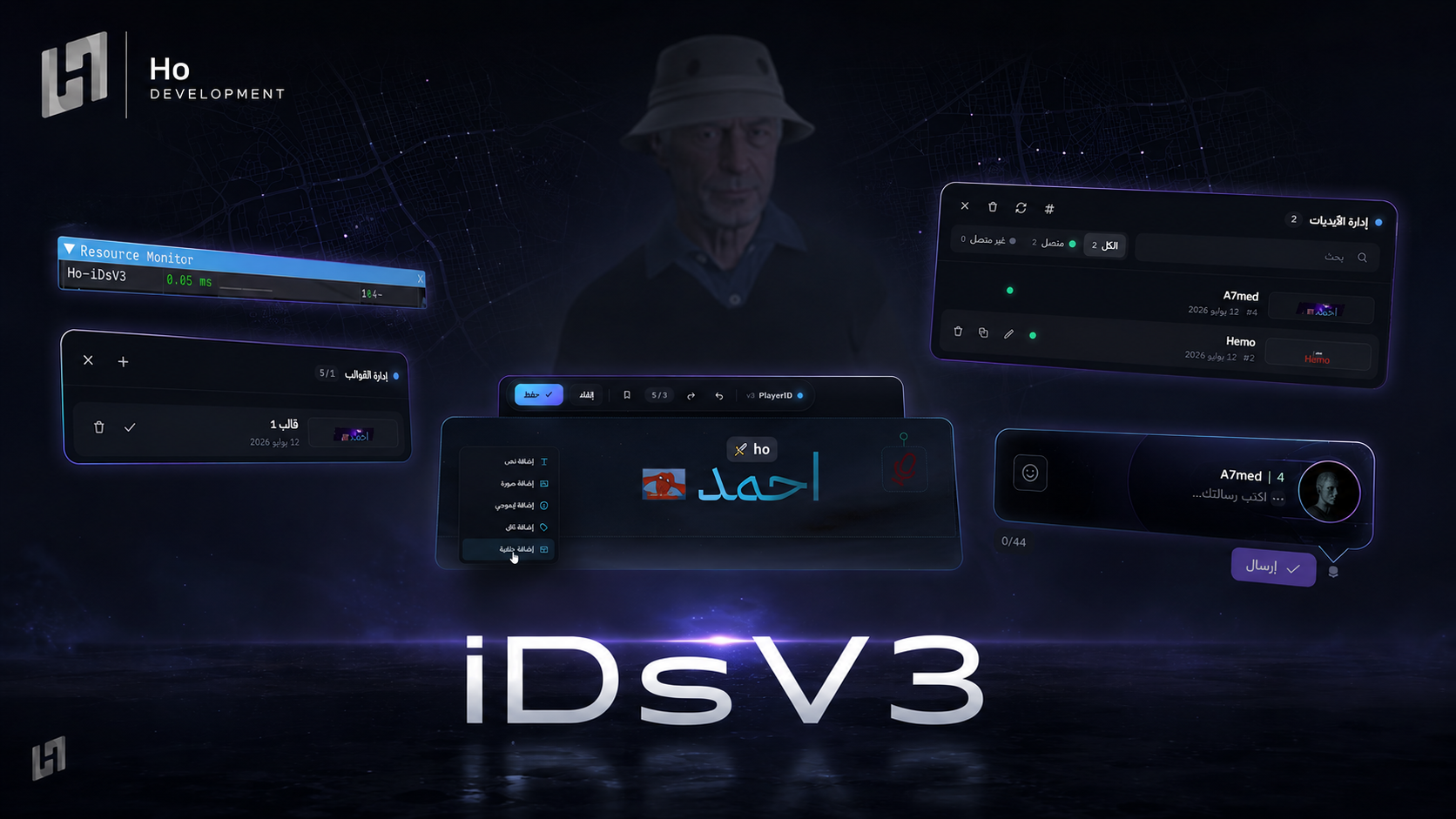
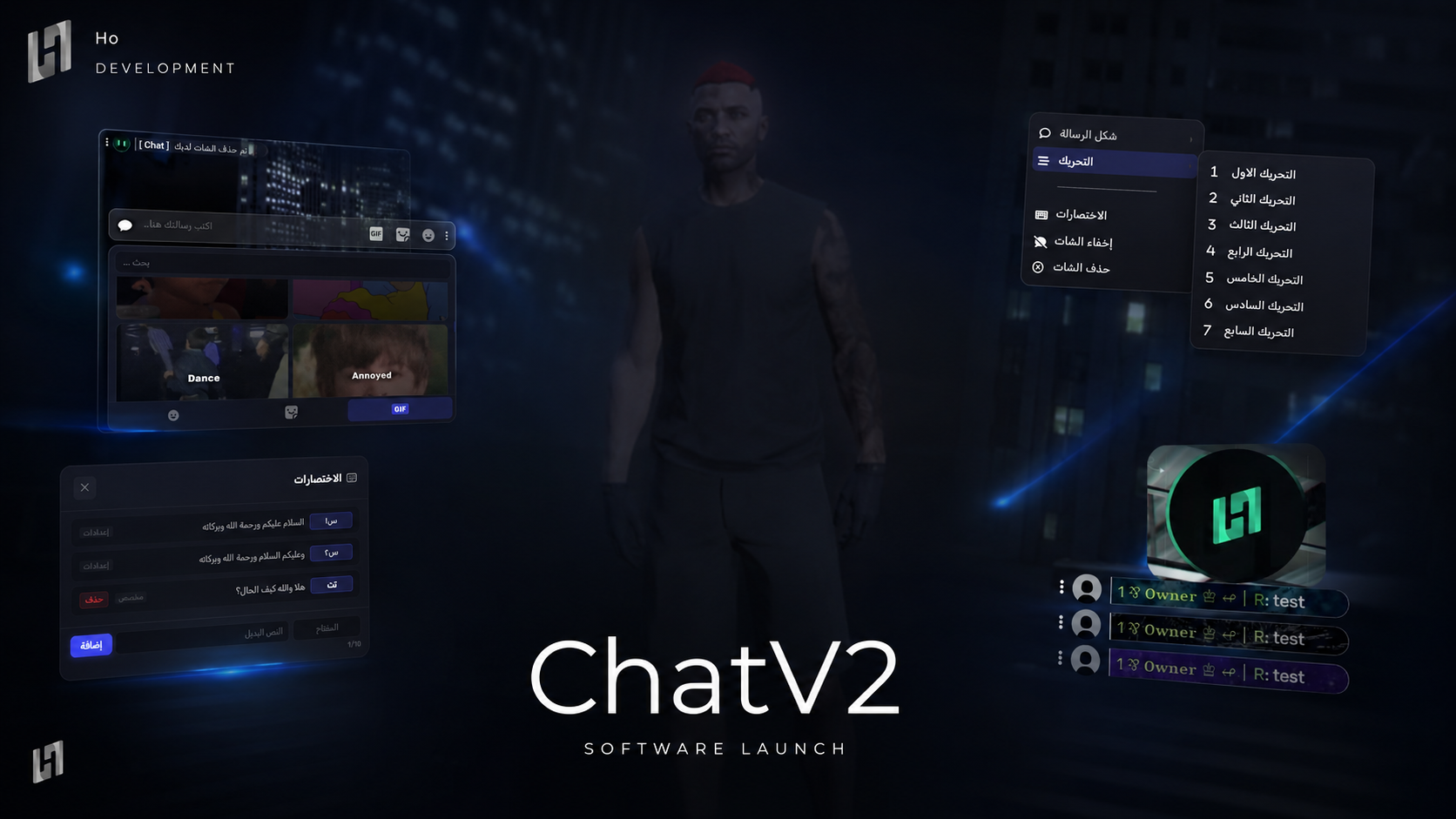
A chat with player avatars and unlimited Discord emoji - 7 message styles and 7 animations, a mention system, stickers and GIFs, and extra perks for VIPs.
190.00 ر.س
190.00 ر.س
× 1
Complete your order
Bundle discount applied automatically
Buy it together
Discover what customers buy with this product
-
This item
ChatV2
190.00 ر.س
-
 Jobs
209.00 ر.س
Jobs
209.00 ر.س
-
 DisManagerV2
119.00 ر.س
DisManagerV2
119.00 ر.س
Buy together for
492.10 ر.س
instead of 518.00 ر.س
Save
25.90 ر.س
-
Adds the player's avatar supports Steam and Discord
-
Unlimited emoji it pulls your own Discord emoji
-
You can add unlimited private chats
-
Show a message's timestamp when you hover it
-
A player can hide or clear the chat for themselves only
-
There are
7message styles and7message animations -
Full support for every Discord formatcode, Bold, Italic, Underline,Strikethrough, Spoiler
-
⭐
For VIPs- Sending links in the chat behind a dedicated permission
- Uploading images in the chat behind a dedicated permission
- A name effect,
Enhanced Role Stylesbehind a dedicated permission - A custom background behind a
set permissionor anID, animated or static - A player can switch their chat rank to any rank they hold
- A player can go incognito to hide their rank and ID
-
@Mention system- A player can mention someone in the chat
- Staff can mention everyone in the chat
- A mention sound that differs from the normal message sound
-
Chat control menu- A player can edit their message
- A player can delete their message
- A player can block another player so their messages stop showing
- Send a message, money or a location to a player
- A staff control menu with mute, revive, drag, teleport, ban, kick, delete all of a person's messages, delete one message
-
💬
Extra features- Message shortcuts, like
هه➜هههههههههه - The shortcuts can be customised from the config or from in-game
- 🏷️ Automatic linking of your Discord server's stickers, with config stickers supported
GIFimages supported directly throughGiphy- A most-used list for
emojiandstickers GIF,emoji,stickersand the shortcuts can each be disabled from the config
- Message shortcuts, like
Everything is logged
Before you start
- The moment your payment completes the script is added to your account. Open your dashboard and download the latest build from «My scripts»
- There is no key to paste - the licence binds itself to the first server that runs the script, and you can re-point the IP later from «My scripts»
Installation steps
- Unzip the file and leave the script's name exactly as it is
- Drop the folder into
resourceson your server - Add
ensurewith the folder name to yourserver.cfg - Open the config file(s) and adjust the settings and permissions to suit your server
- Restart the server, and check the
consoleto confirm the script started with no errors
After installation
- Make sure your framework is supported before you install
- Updates land on the same page - you can download the latest build any time, no second purchase
- If anything goes wrong, screenshot the
consoleand open a ticket on Discord and we will help you
How do I receive the script after buying it?
Delivery is fully automatic. The moment your payment completes the script is added to your account, and you can download it from «My scripts» in your dashboard — no waiting, no need to contact anyone. The licence binds to the first server that runs the script, and you can change the IP later whenever you want.
Does it pull my Discord server's emoji and stickers?
Yes. The chat pulls your own Discord emoji with no limit, automatically links your server's stickers with config stickers supported too, and supports GIF images directly through Giphy. You can disable GIF, emoji, stickers and the shortcuts from the config.
What are the VIP-only features?
Behind a dedicated permission: sending links, uploading images, a name effect (Enhanced Role Styles), a custom animated or static background, switching the chat rank to any rank the player holds, and going incognito to hide the rank and the ID.
Browse next