Fivem
Instant activation
Scripts
Instant activation
iDsV3
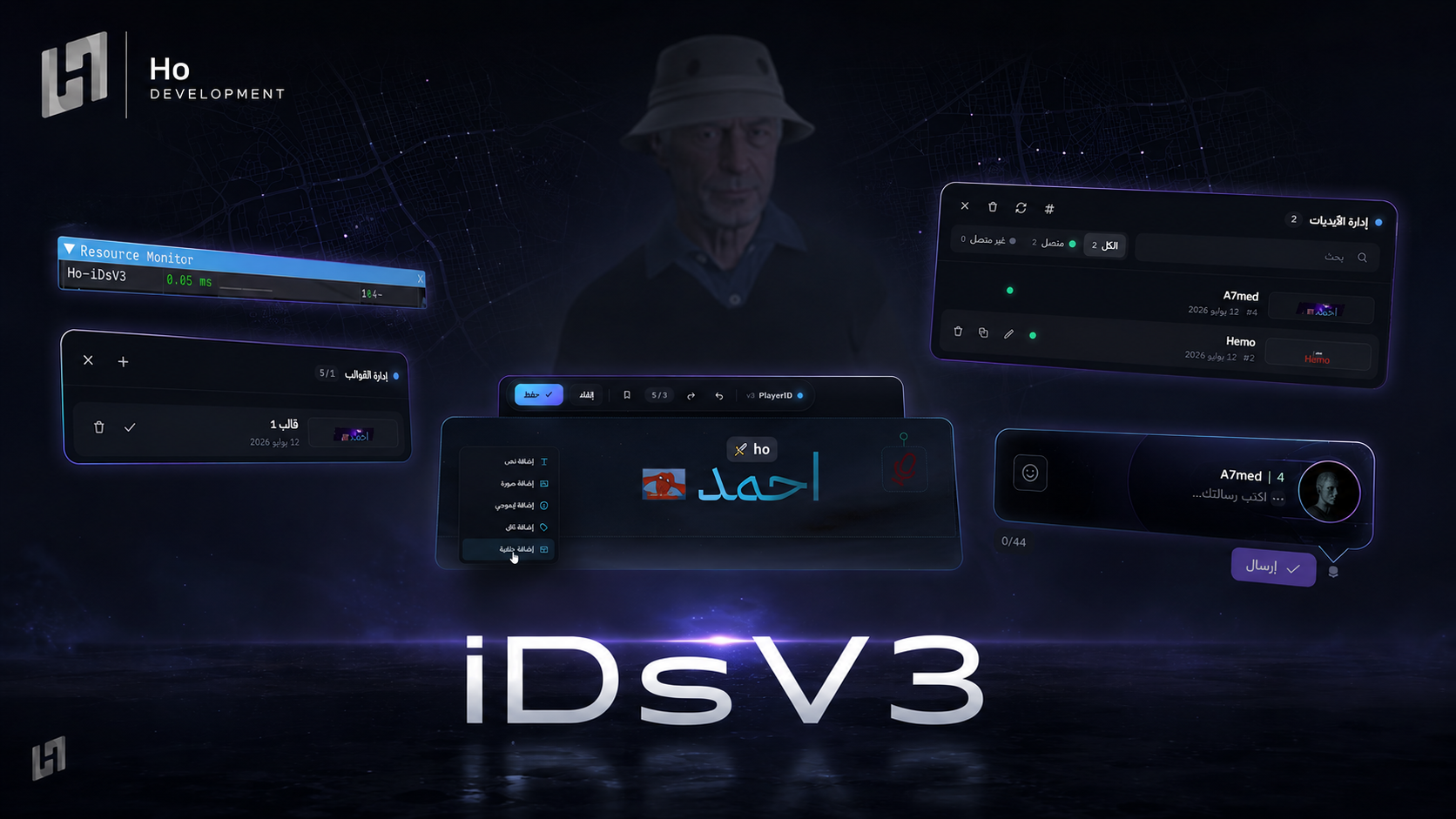
A full ID editor - text, images, emoji, tags and animated backgrounds, 60+ fonts, 5 saved designs, and a live preview above the player's head.
209.00 ر.س
209.00 ر.س
× 1
Complete your order
Bundle discount applied automatically
Buy it together
Discover what customers buy with this product
Buy together for
671.65 ر.س
instead of 707.00 ر.س
Save
35.35 ر.س
A complete ID system that lets every player design their own ID and preview it live above their head
-
🎨
Full editor- Add
text-an image-an emoji-a tag-an animated background - Move, scale and rotate the elements freely
- Add
-
✍🏻
Advanced customisation- More than
60fonts with colours, gradients and animated effects - Style each part of the text differently
20tags and8animated backgrounds
- More than
-
💾
Presets & sharing- Save up to
5designs - Send a copy of your ID to the nearest player, keeping their previous ID saved
- Save up to
-
💬
Quick message- A message above the head with the
image-name-ID - Supports both static and animated Discord emoji
- A message above the head with the
-
🎙 An icon and an ID colour change while a player is talking
-
⭐
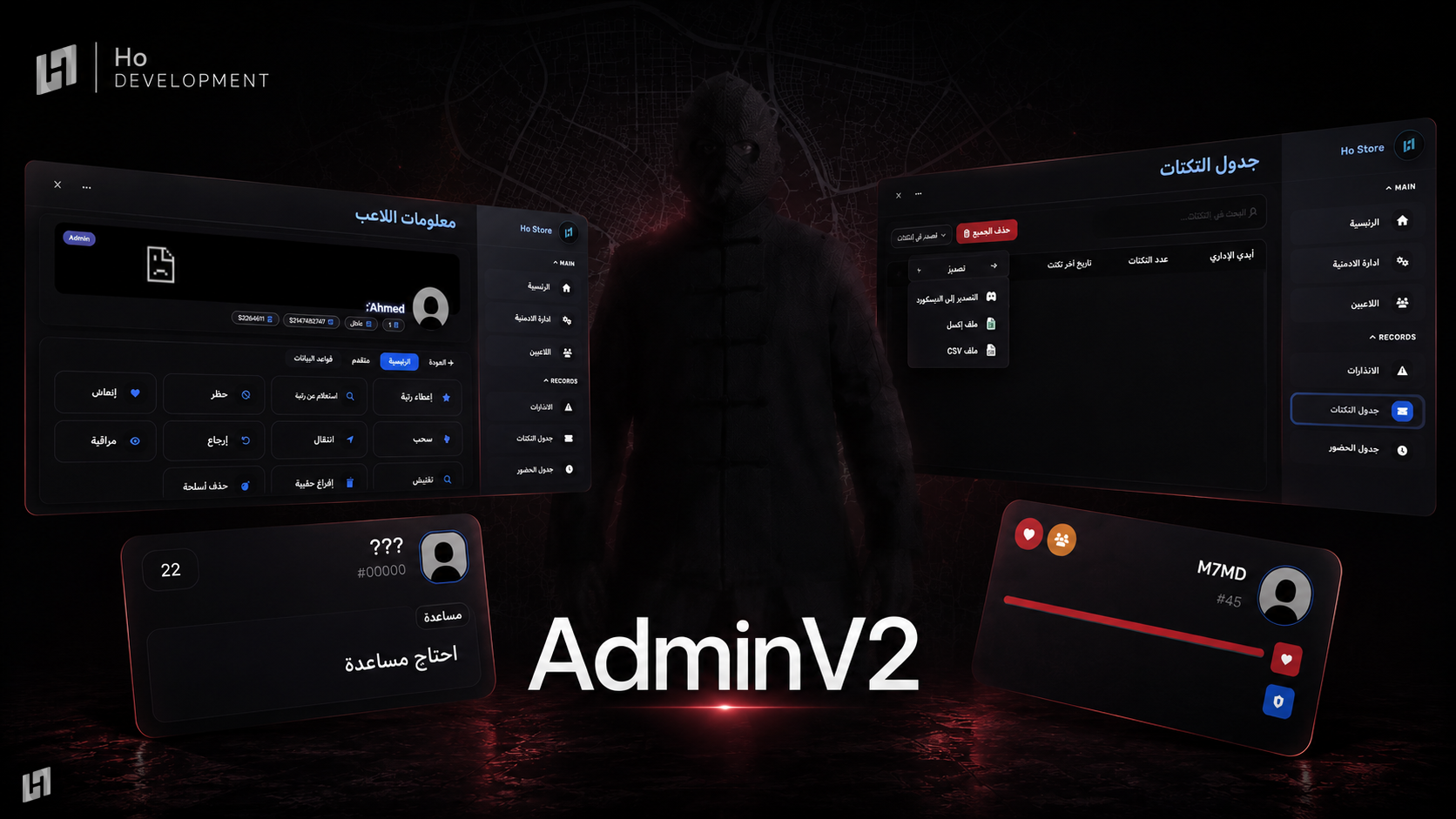
Admin panel- Preview, search, edit, copy and reset players' IDs
- Works on
onlineandofflineplayers
Every feature can be switched on or off, and every command has its own permission
Everything is logged
Before you start
- The moment your payment completes the script is added to your account. Open your dashboard and download the latest build from «My scripts»
- There is no key to paste - the licence binds itself to the first server that runs the script, and you can re-point the IP later from «My scripts»
Installation steps
- Unzip the file and leave the script's name exactly as it is
- Drop the folder into
resourceson your server - Add
ensurewith the folder name to yourserver.cfg - Open the config file(s) and adjust the settings and permissions to suit your server
- Restart the server, and check the
consoleto confirm the script started with no errors
After installation
- Make sure your framework is supported before you install
- Updates land on the same page - you can download the latest build any time, no second purchase
- If anything goes wrong, screenshot the
consoleand open a ticket on Discord and we will help you
How do I receive the script after buying it?
Delivery is fully automatic. The moment your payment completes the script is added to your account, and you can download it from «My scripts» in your dashboard — no waiting, no need to contact anyone. The licence binds to the first server that runs the script, and you can change the IP later whenever you want.
How many designs can a player save?
Up to 5 designs per player, and they can switch between them whenever they want. A player can also send a copy of their ID to the nearest player, and the script keeps that player's previous ID saved.
Can staff manage players' IDs?
Yes. There is an admin panel to preview, search, edit, copy and reset players' IDs, and it works on online and offline players alike. Every feature can be switched on or off, and every command has its own permission.
Browse next