Fivem
Instant activation
Fivem
Instant activation
AdminManager
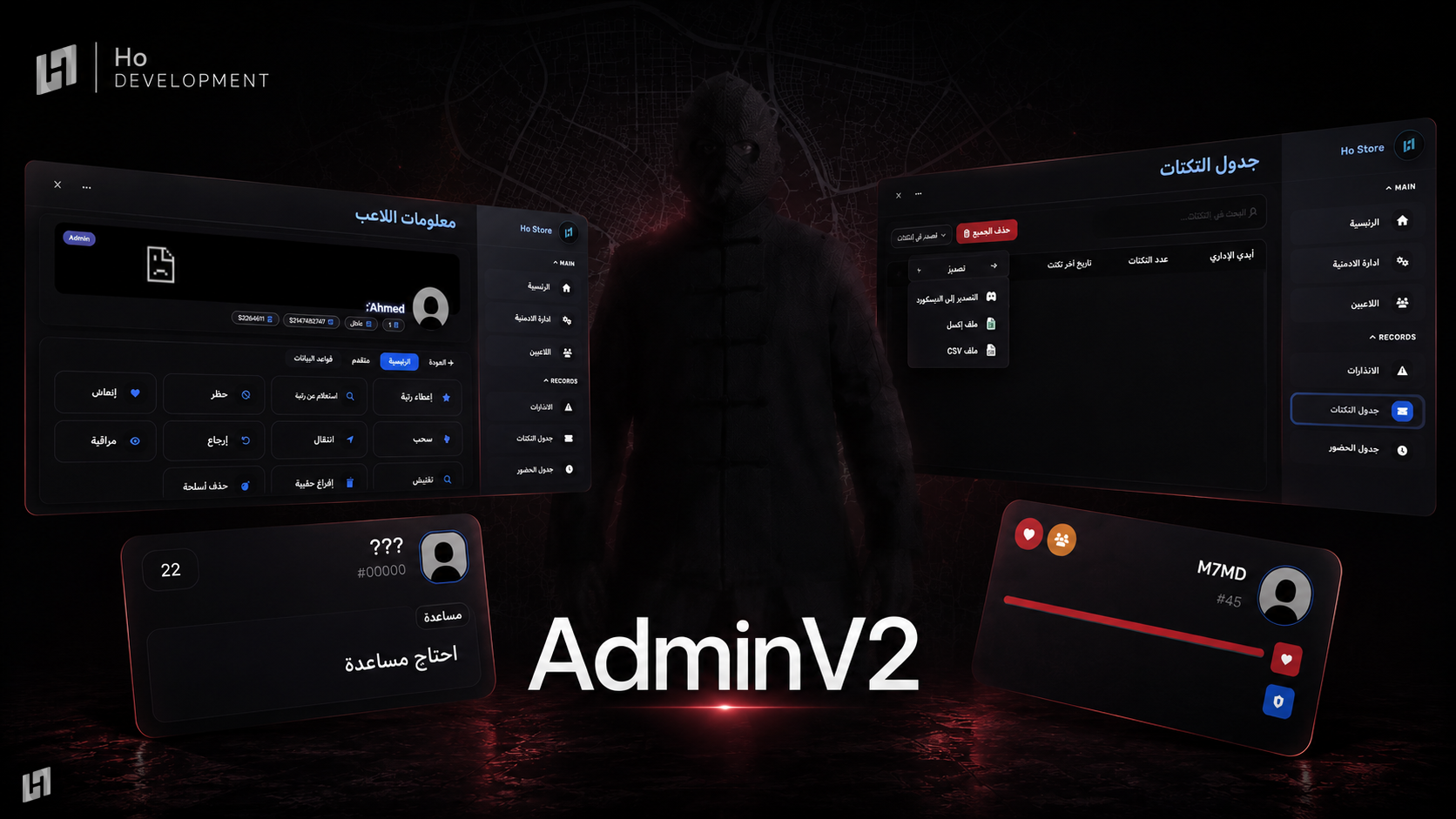
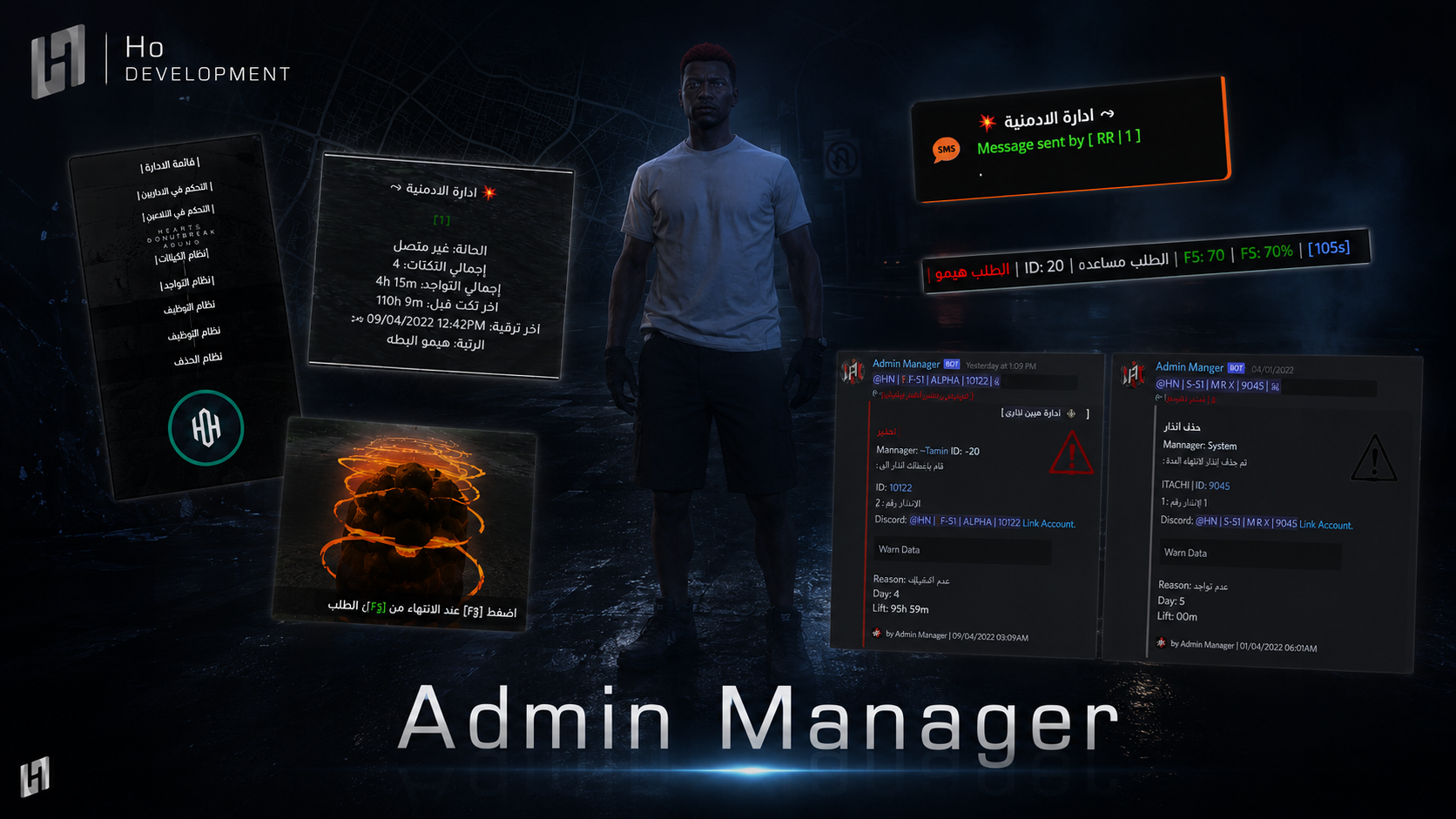
An admin package - unlimited ticket sections with staff ratings, warnings, activity tracking, remote drag and cuff, a microphone blocker, and full control over clocked-in staff.
170.00 ر.س
170.00 ر.س
× 1
Complete your order
Bundle discount applied automatically
Buy it together
Discover what customers buy with this product
-
This item
AdminManager
170.00 ر.س
-
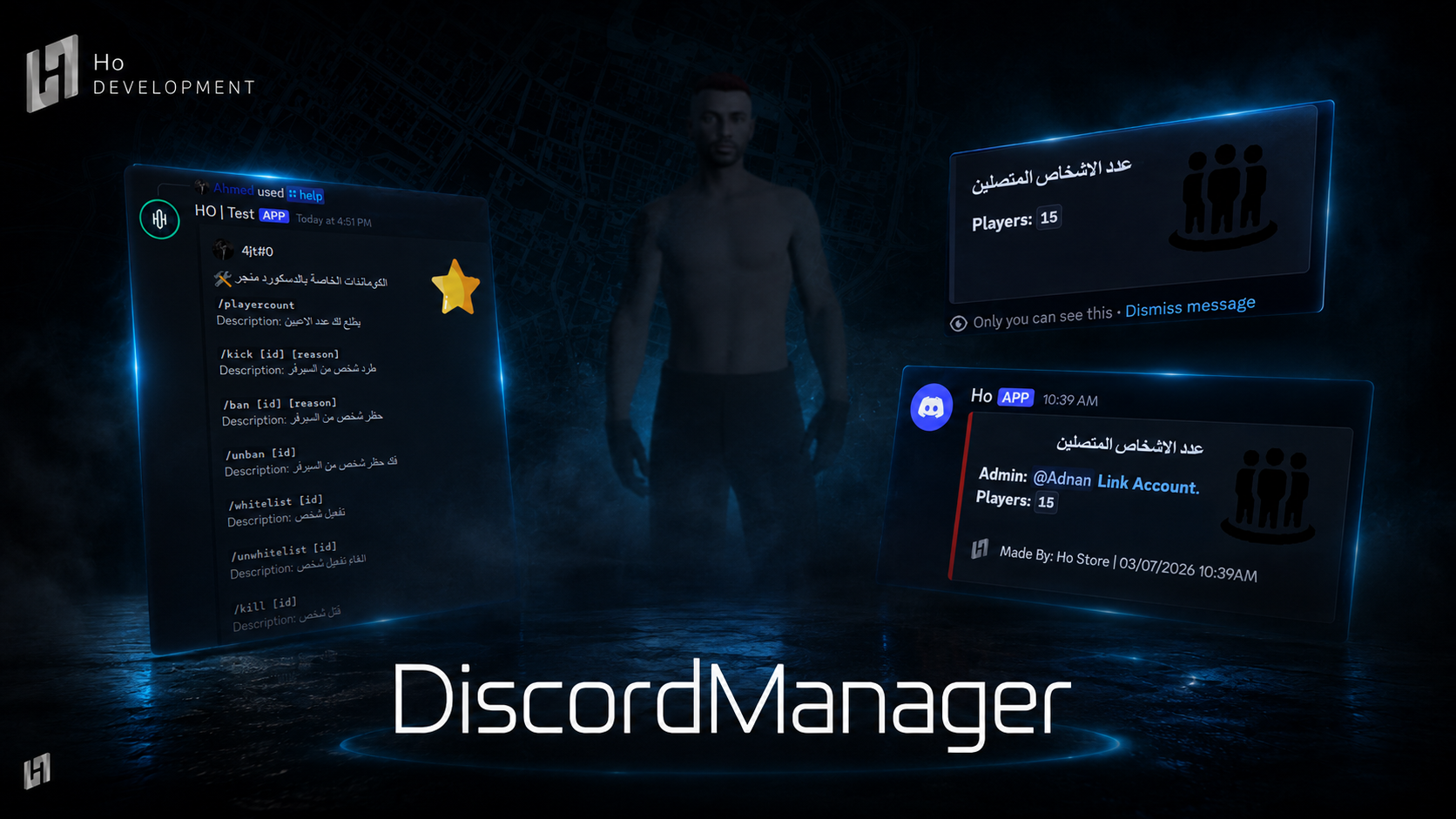 DisManager
109.00 ر.س
DisManager
109.00 ر.س
-
 Chat
170.00 ر.س
Chat
170.00 ر.س
Buy together for
426.55 ر.س
instead of 449.00 ر.س
Save
22.45 ر.س
-
You can set up unlimited ticket sections, each with its own permission
-
A rating for the staff member once the ticket is finished
-
A distinct effect when a citizen's ticket is accepted and you can change the effect
-
A microphone blocker - if someone turns a microphone on, they stop receiving tickets for a set time
-
Clock-in and clock-out for staff
-
You can set unlimited weapons and skins for staff
-
Take a vehicle for the staff member, and give a random vehicle to the nearest player
-
Teleport requests and drag requests
-
Delete every vehicle after a chat warning, and delete nearby vehicles
-
Remote drag and cuff with the count opened and no crash
-
You can restart the server from the phone
-
Send a message to every player
-
You can restart the server from the phone
-
Set up unlimited ticket sections
-
Remote cuff and drag with the count opened and no crash
-
A microphone blocker - if someone turns a microphone on, they stop receiving tickets for a set time
-
Full control over staff who are clocked in and clocked out
-
Send a message
-
Check which staff members are online
-
Pull every staff member
-
Spectate staff members
-
Alert staff that a medic is available, so nobody revives
-
Look up a staff member's details
-
Warnings system
-
A system that lets you warn a staff member without going back to them, with a set duration and reason, and the warning is deleted automatically when the duration ends
-
You can look up a staff member's warnings
-
And delete a warning before the duration ends
-
A staff member can check their own warnings and how long is left on them
-
Tickets system
-
A precise system for recording a staff member's tickets, making it easy for the supervisors to pull the ticket counts and the highest acceptance rates
-
You can look up one staff member's tickets
-
You can reset one staff member's tickets
-
You can look up everyone's tickets, with the top ticket-takers sent out
-
You can reset the tickets without going back to the server
-
A staff member can check their own ticket count
-
Activity system
-
A precise system for counting a staff member's hours while clocked in (it does not count their whole session, only the clocked-in time)
-
You can look up one staff member's hours
-
You can reset one staff member's hours
-
You can look up everyone's hours, with the most active people sent out
-
You can reset the hours without going back to the server
-
A staff member can check their own hours
-
Anti-AFK system
Before you start
- The moment your payment completes the script is added to your account. Open your dashboard and download the latest build from «My scripts»
- There is no key to paste - the licence binds itself to the first server that runs the script, and you can re-point the IP later from «My scripts»
Installation steps
- Unzip the file and leave the script's name exactly as it is
- Drop the folder into
resourceson your server - Add
ensurewith the folder name to yourserver.cfg - Open the config file(s) and adjust the settings and permissions to suit your server
- Restart the server, and check the
consoleto confirm the script started with no errors
After installation
- Make sure your framework is supported before you install
- Updates land on the same page - you can download the latest build any time, no second purchase
- If anything goes wrong, screenshot the
consoleand open a ticket on Discord and we will help you
How do I receive the script after buying it?
Delivery is fully automatic. The moment your payment completes the script is added to your account, and you can download it from «My scripts» in your dashboard — no waiting, no need to contact anyone. The licence binds to the first server that runs the script, and you can change the IP later whenever you want.
How does the warnings system work?
You give a staff member a warning with a set duration and reason without having to go back to them, and the warning is removed automatically when the duration ends. You can look up a staff member's warnings and delete one before it expires, and the staff member can check their own warnings and how long is left on them.
Can I see which staff member is the most active in tickets and hours?
Yes. You can look up one staff member's tickets or everyone's, with the top ticket-takers sent out, and the same for activity hours. Resetting happens without going back to the server.
Browse next